
Request Manager
Request Manager facilitates the electronic exchange of information between firms/individuals and FINRA. With Request Manager, which is available via the FINRA Gateway and its designated portal, firms and individuals are able to securely submit, manage and track FINRA information requests.
Resources
FINRA Publishes a Request for Information by Email
FINRA requests information by sending an email notification to your firm's designated individuals as well as makes these requests available on FINRA Gateway under the "Requests & Filings".
- Webex Presentation: FINRA "Request for Information" Email explained
NOTICE: Starting Fall 2022, we are changing the design of all emails to use new company layout and a different ‘FROM’ address ([email protected]). Users should check their spam folders for any emails from the new ‘FROM’ address, to avoid missing important FINRA emails..
How to Respond to Requests Published to Member Firms
Member Firm users can respond to FINRA's request for information by using the link provided in the email notification or by logging directly into FINRA Gateway.
If you find that you do not have the permission to see this request, please contact your firm's Super Account Administrator (SAA) to obtain access.
Obtaining the Entitlements to Access Requests for Exams and Inquiries
Your firm's Super Account Administrator (SAA) has the ability to grant individuals at your firm the rights to access FINRA applications. To access a specific request, contact your firm's SAA and ask the SAA to grant the appropriate entitlement, as follows. For details about the Entitlement Program, go to Entitlement Program.
| Request Type | Required Entitlement |
|---|---|
| Cycle Exams | WebIR entitlement |
| Cause Exam | Information Requests entitlement |
| Advertising Investigation | Information Requests entitlement |
| Market Regulation Inquiries | Information Requests entitlement |
| Corporate Finance Inquiries | Information Requests entitlement |
| Department of Enforcement | Information Requests entitlement |
If you do not know your firm's SAA representative, you can find their contact information within FINRA Gateway under your profile information, in the top right corner, under your Organization Profile.
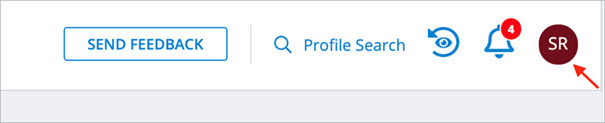
How to find your firm requests within FINRA Gateway
- Make sure you are logged into FINRA Gateway
- Click on "Requests & Filings" in the left hand navigation bar
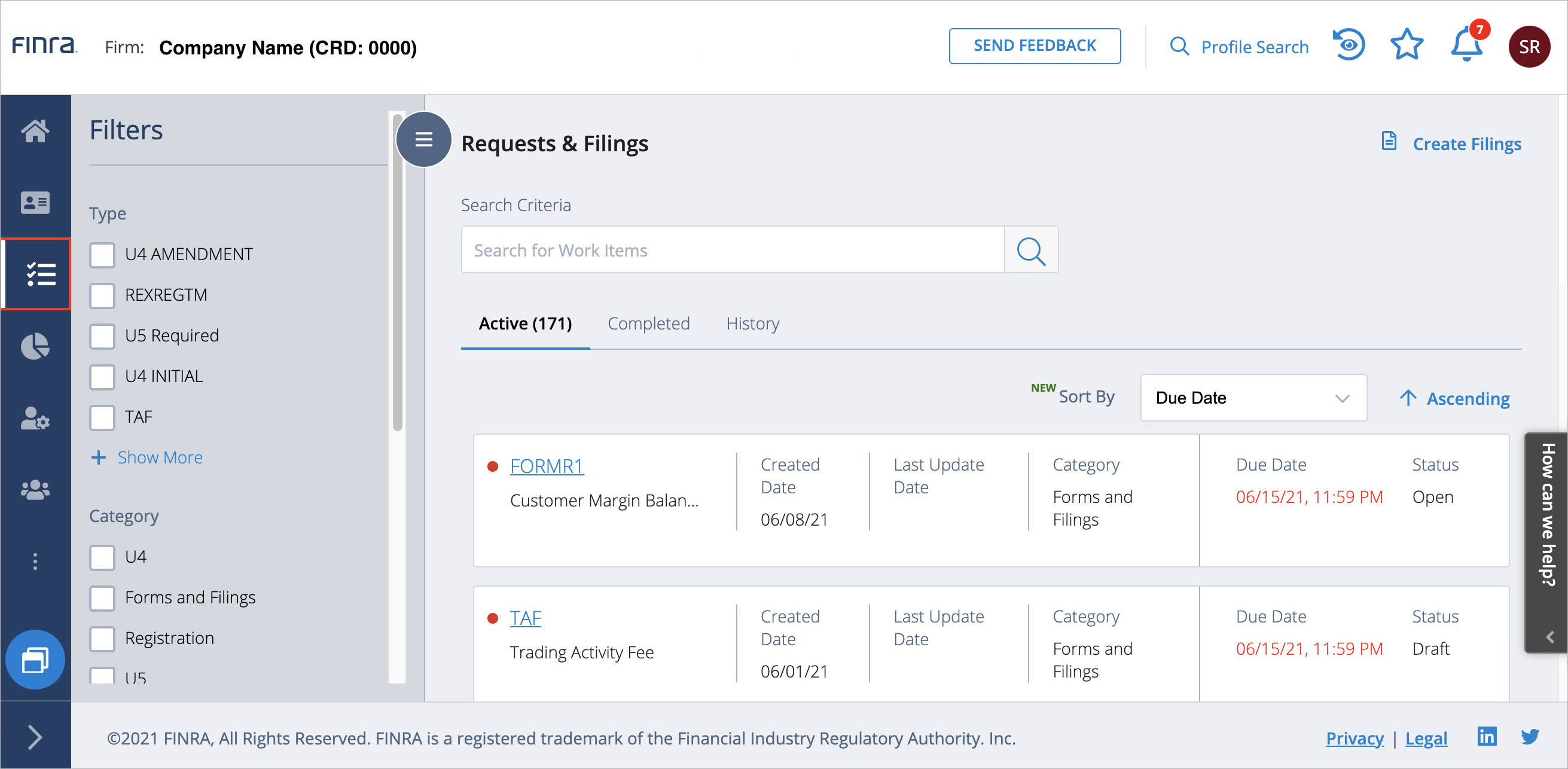
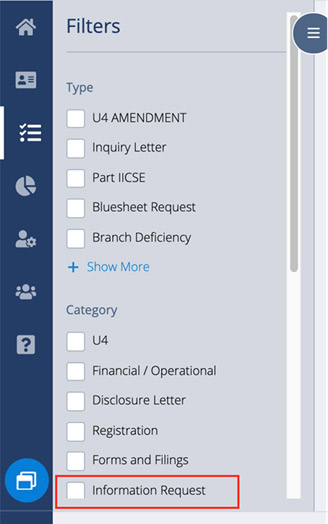
- There are 2 ways to find your firm's request.
Option 1: Check the box for "Information Request" filter to show only information requests for your firm, or
Option 2: Enter search criteria using Item ID, Request ID, Case ID, text, etc.
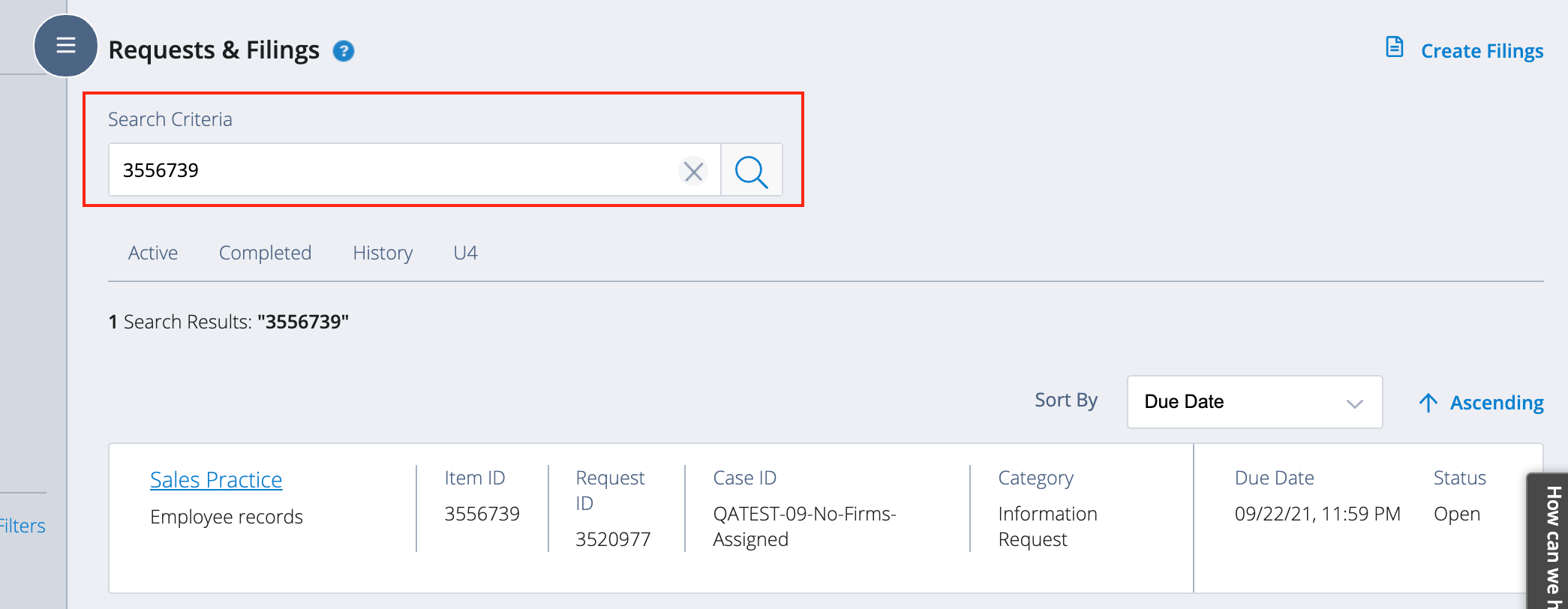
- To view request details, select the request title.

- Respond to the Item request.
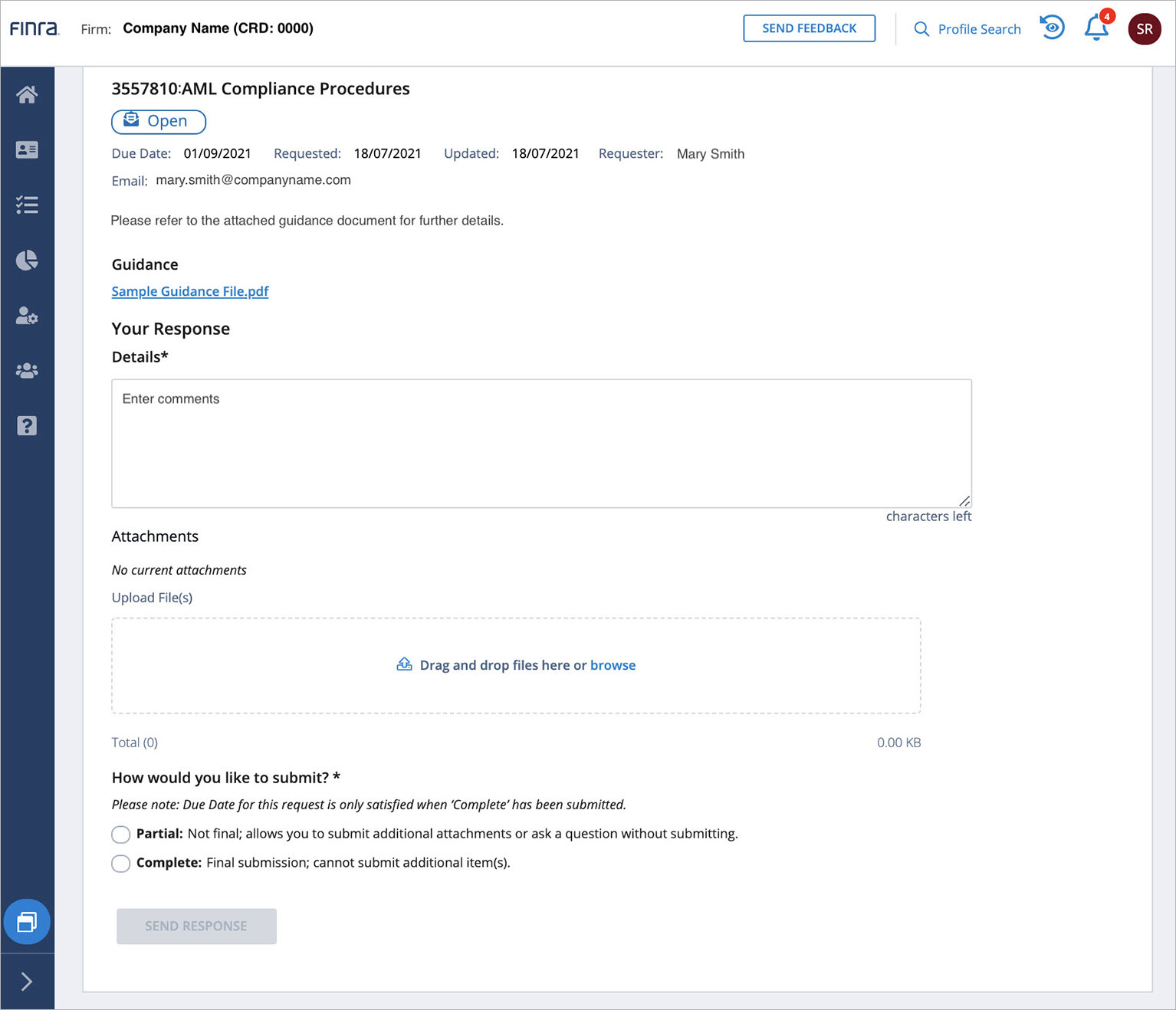
- Submit any questions and/or comments, by placing them in the comments field.
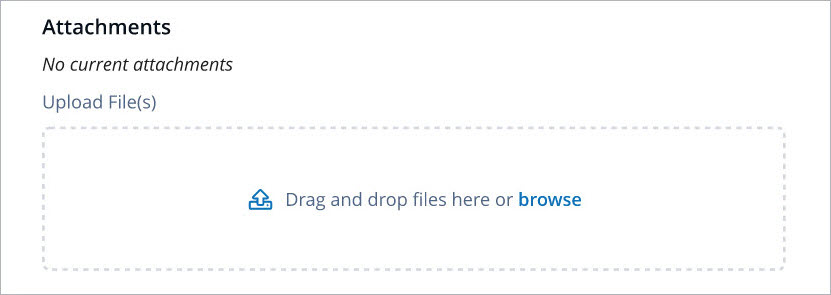
- To upload documents as a response, drag and drop documents into the "Attachments" section.
- You can submit some information using the "partial" submission option or to close out your response using the "complete" submission option before the due date.
How to Respond to FINRA Request for a non-Firm
Non-member firm users (individuals, Registered Representatives, Outside Counsels, etc.) can respond to Non-Firm information requests through the Request Manager Portal. Using an individual user account, non-firm user can respond to by selecting the link provided in the email notification from FINRA Information Requests and logging into Request Manager Portal.
How to register individual user account to Request Manager Portal
Once you have received an Email Notification from FINRA indicating that the request is published to you, you will be able to reach an authentication page with the header indicating - Welcome to FINRA Request Manager.
If you have already created a FINRA Self-Registered account associated with the email address that you received the email notification, you can log in to the Request Manager Portal by using the link provided in your email notification from FINRA Information Requests.
Otherwise, by clicking on the "Create Account Here" link on the Request Manager Portal sign in page, you will be able to create a FINRA Self-Registered user account to access the Request Manager Portal. Note that in order to access the requests that were published to you, you must register your account using the email address you received the email notification from FINRA Information Requests in order to complete the registration process. You cannot use any existing FINRA Member Firm account to access.
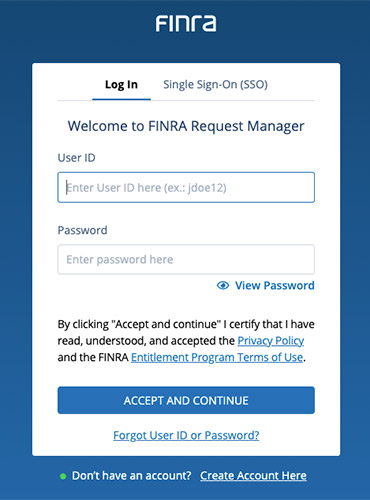
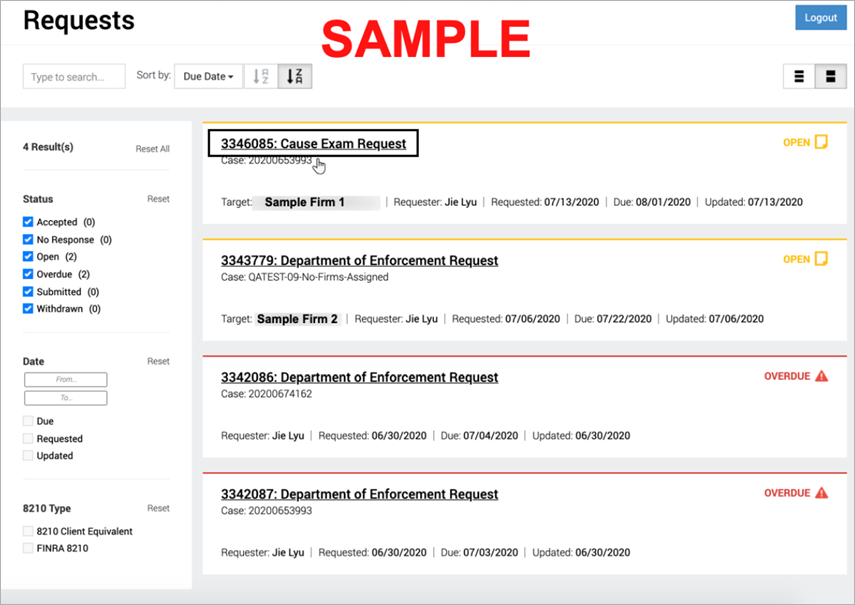
After logging in, click on the request that was published to you to view requested items.
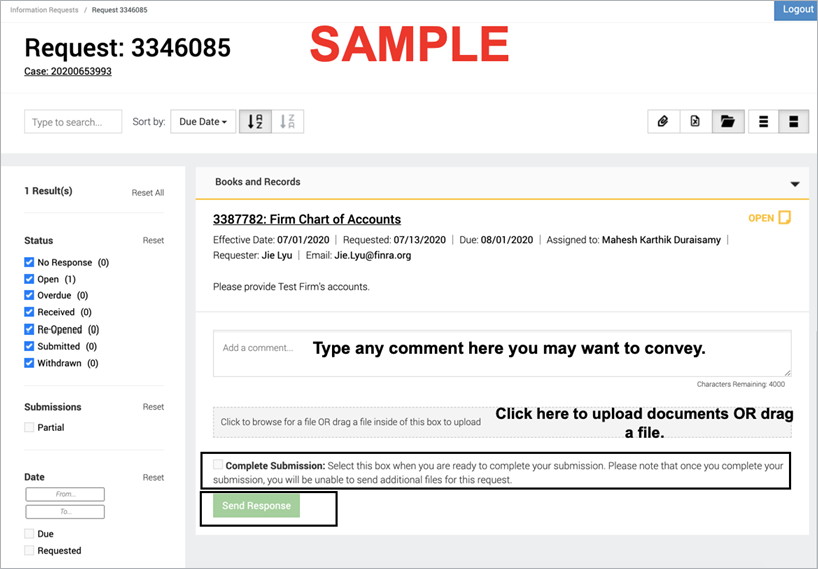
Sample Request:
Request ID #3346085 was published to you regarding information about the Target firm. The request is due on 8/1/2020.
You may start submitting your response to this FINRA request by adding a comment and/or uploading supplemental documents. You can send a partial submission to FINRA if you want to leave the request as "Open" for additional submissions. You need to check "Complete Submission" if you believe your submission is final. Request Manager does not have a file size limit nor a file type limit for uploading attachments.
More information about how to use Request Manager can be found in the Request Manager User Guide.